Editable transcripts
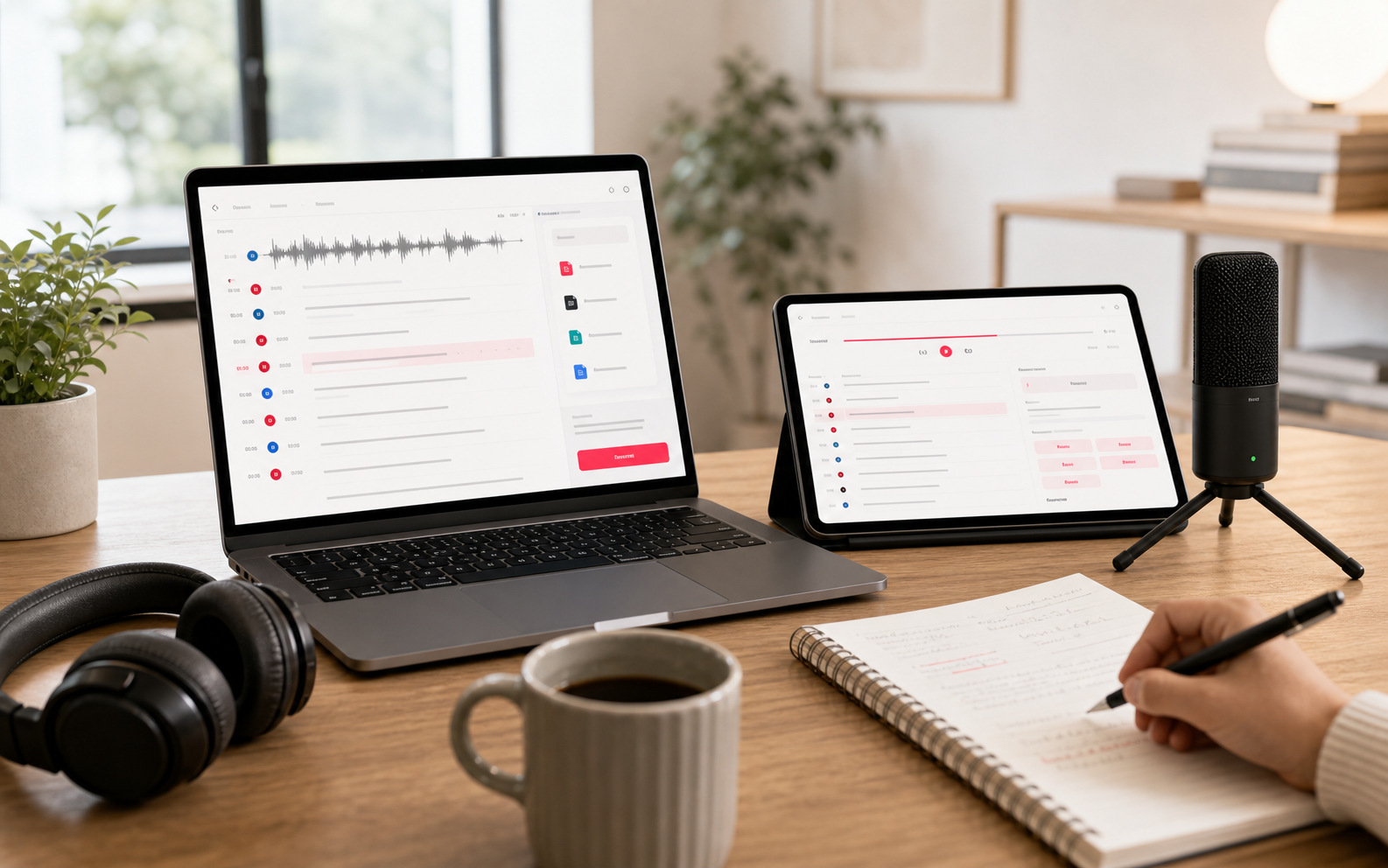
Search, edit, and review transcript segments with timestamps next to the original media.

AI transcription workspace
Upload files, paste public media links, record live speech, generate subtitles, download public media, and turn transcripts into summaries, translations, and exports.
Works with public content from
Input
Files · Links · Live
Exports
TXT · MD · SRT · VTT
Languages
120+ supported
Start here
EasyScribe keeps the first step direct: upload a file, paste a link, record live, create subtitles, or download public media.

After transcription
EasyScribe is for people who need accurate transcripts, speaker labels, subtitles, summaries, translations, and reusable exports after media is recorded, published, or found online.
Search, edit, and review transcript segments with timestamps next to the original media.
Use generated captions as a starting point, then export SRT or VTT for publishing.
Create concise summaries, key points, and action items after the transcript is ready.
Translate transcripts and export TXT, Markdown, SRT, or VTT for your next workflow.
Use cases
EasyScribe is for people who need accurate transcripts, speaker labels, subtitles, summaries, translations, and reusable exports after media is recorded, published, or found online.

The best transcript is the one you can immediately reuse.
Audio files, video files, public media links, and live microphone sessions can all start a transcription workflow.
You can browse the product pages first. When you create an upload, link, or live task, sign in so the transcript and exports are saved.
Yes. EasyScribe keeps timestamped segments so you can review captions and export SRT or VTT files.
Completed transcripts can be edited, summarized, translated, and exported as text, Markdown, SRT, or VTT.
Built with user feedback
Tell us what slowed you down, what failed, or what would make EasyScribe more useful.